APsystems Extends Standard Warranty to 25 Years for DS3 and QT2 Microinverters, Underscoring Long-Term Reliability
FOR IMMEDIATE RELEASE
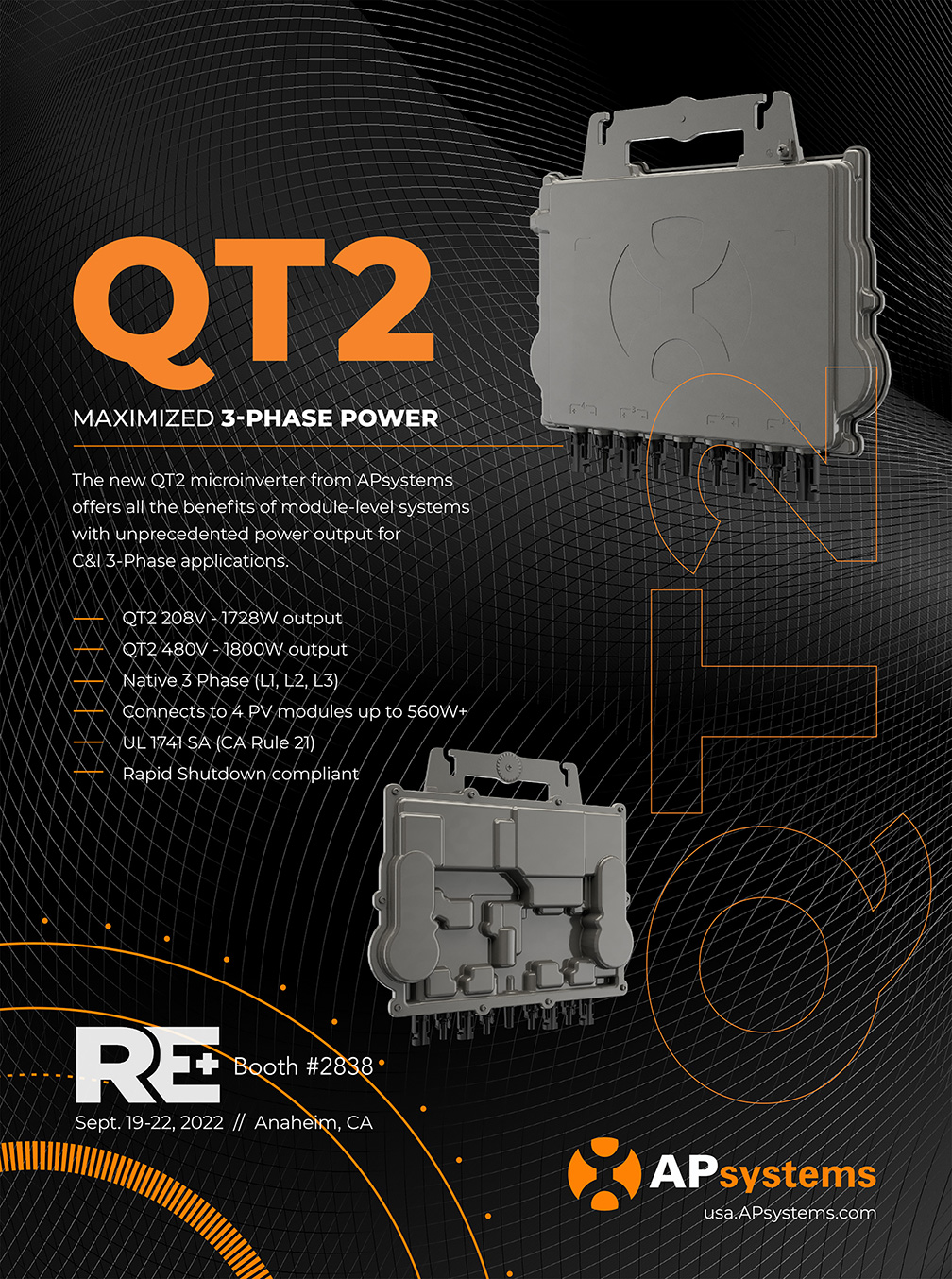
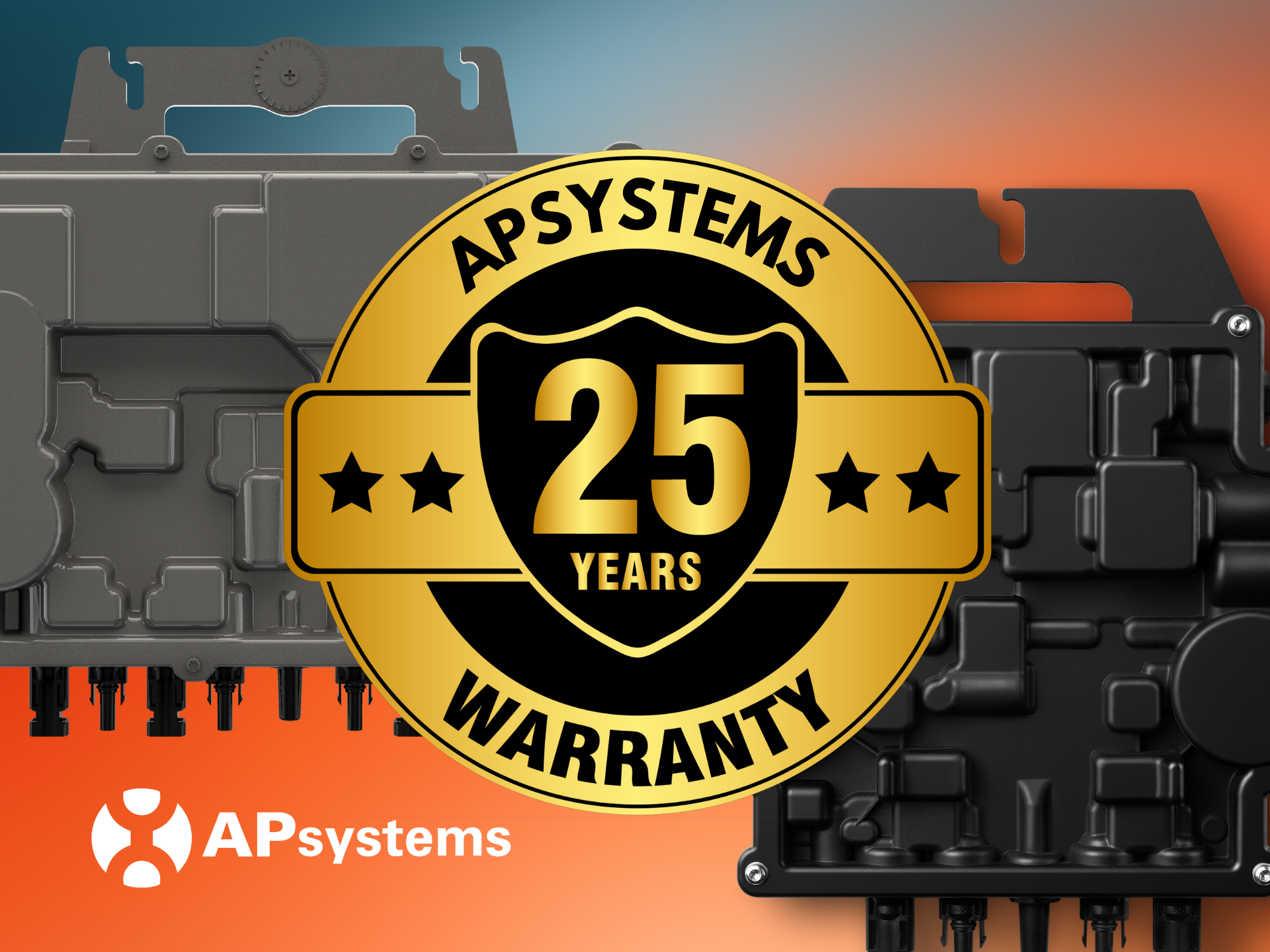
AUSTIN, TX – [March 18, 2025] – APsystems, a global leader in solar microinverter technology, is proud to announce that its DS3 and QT2 series microinverters now come with a 25-year standard warranty in the U.S. This major upgrade—expanding from the previous 10-year standard warranty with an optional 15-year extension—underscores APsystems’ commitment to long-term product reliability and customer satisfaction.
The new 25-year standard warranty officially went into effect on February 15, 2025, covering all DS3 and QT2 microinverters moving forward. With this enhancement, APsystems eliminates the need for customers to take additional steps to secure extended coverage, ensuring that all units are backed by 25 years of comprehensive protection from the outset.
“Our products are designed to last, and now our warranty fully reflects that,” said Doug Hewitt, U.S. Country Director at APsystems. “By extending our standard warranty to 25 years, we’re not only demonstrating the durability of our microinverter technology but also making it more convenient for our customers—eliminating extra paperwork and providing the peace of mind that comes with long-term coverage.”
The new warranty coverage applies to all DS3 and QT2 microinverters sold in the U.S. and takes effect from the earlier of:
- 12 months after the date of shipment from APsystems, or
- The date of product registration on the APsystems EMA portal.
The extension of APsystems’ warranty reflects the company’s unwavering confidence in the longevity and performance of its microinverters, engineered for high efficiency, durability, and ease of installation in both residential and commercial applications.
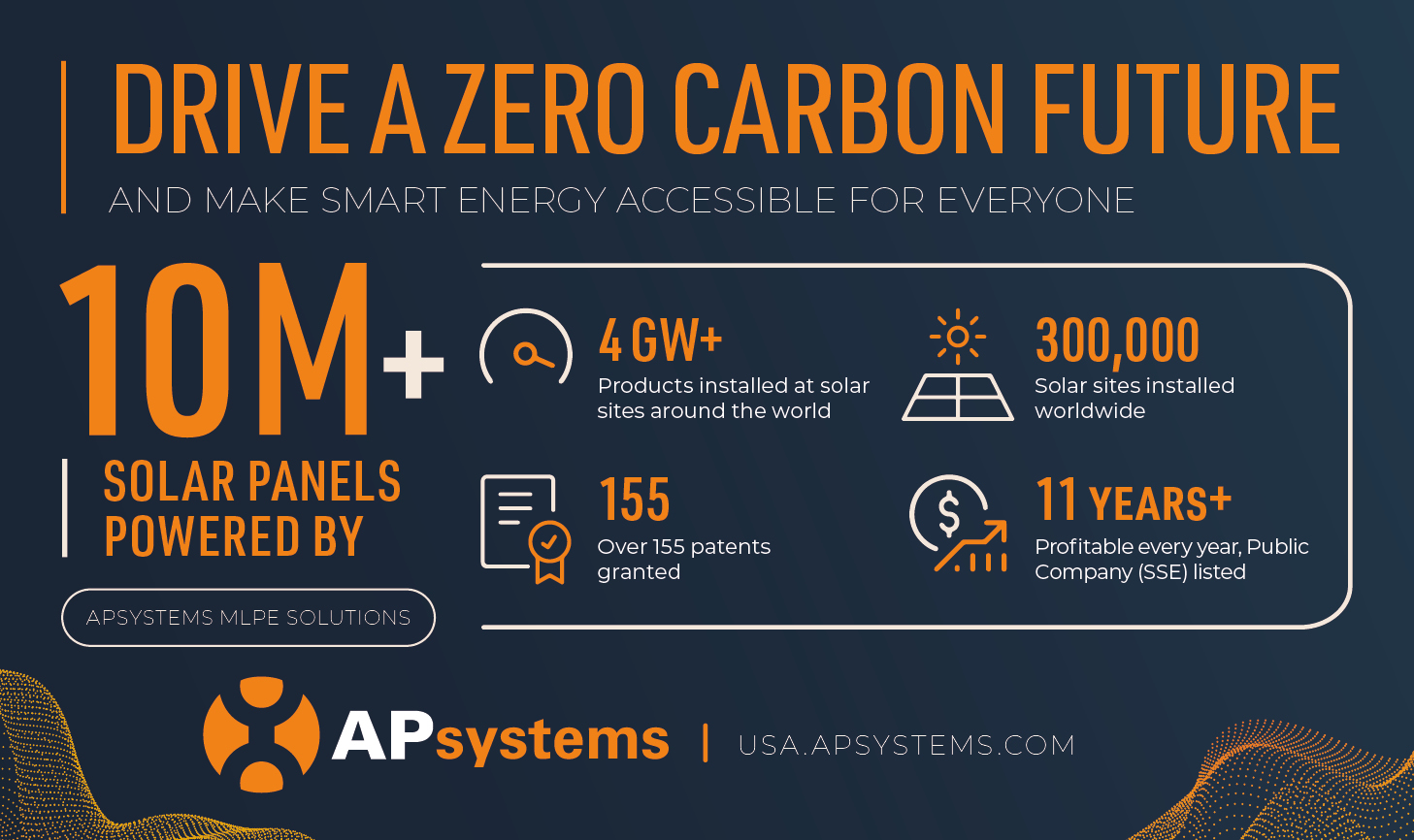
As one of the leading innovators in Module-Level Power Electronics (MLPE), APsystems continues to deliver cutting-edge microinverter solutions that maximize energy production, streamline installation, and enhance system monitoring. With over 6GW of installed capacity worldwide and operations in more than 130 countries, APsystems remains dedicated to driving the future of solar energy.
VIEW OUR WARRANTY DOCUMENTS HERE