Man in a white t-shirt and cap stands outdoors, placing an EZ1-LV box beside solar panels.

EZ1 VOICES: Plugged In and Producing

Curious about the growing plug-in solar movement, Hervé Billiet of SunVoy Solar decided to install an APsystems EZ1 using a pair of SolarWorld 295W modules he already had on hand.

Rather than building a complex system, Hervé wanted to experience plug-in solar the same way many homeowners would. The installation was straightforward: connect two panels to the EZ1 microinverter, plug the system into a standard household outlet, and begin generating power.

The simplicity of the setup was one of the biggest takeaways. Unlike traditional rooftop solar installations that often involve permitting, electrical work, and lengthy project timelines, the EZ1 provides an easy entry point for homeowners looking to start generating some of their own energy.

Hervé also sees value for solar installers. Plug-in solar can serve as an introductory product for customers who may not be ready for a full rooftop system, creating opportunities for installers to build relationships and introduce homeowners to the benefits of solar.

As founder of SunVoy Solar, Hervé is also exploring ways to integrate plug-in solar monitoring into broader energy management platforms, helping homeowners view balcony solar production alongside other solar assets in a single interface.

“I opened the box, connected the wires, plugged it in, and watched the indicator light go from blinking to solid green. That was it.”

This project demonstrates how the APsystems EZ1 can make solar more approachable for homeowners while creating new opportunities for installers to engage customers through a simple, low-barrier entry into solar energy.

SEE MORE EZ1 CASE STUDIES

Beyond TPO: A Simpler Path for Solar Installers


TPO installs don’t leave room for mistakes, and the last thing you need is a callback that eats your margin.

APsystems microinverters are built to keep crews moving—fewer components, faster installs, and reliability your service team will thank you for.

Install it once and move on to the next job. APsystems, Made to Work.

Explore the full product lineup and the advantages of choosing APsystems.

Cartoon installer with a beard giving a thumbs-up beside a graphic titled 'Teddy Tips' from APsystems.

TEDDY Talks Installer Tip: Better Cable Routing for Better Solar Installs

TEDDY Talks Installer Tip: Small details can make a big difference on the rooftop. We’re highlighting why proper cable layout matters for cleaner installs and long-term system performance.

When working with cable routing, pay attention to bend radiuses and avoid kinking, twisting, or putting unnecessary tension on wires. The same applies to the new DS3 whips. Flexibility is important, but maintaining a nice soft radius helps support installation best practices in the field.

Want more Teddy Installer Tips and additional DS3 guidance? Watch the full DS3 video for more installation insights and field best practices: link in bio.

SEE OTHER TEDDY TIPS


Promo banner for new product shop: bold 'NEW PRODUCT SHOP' text with orange accent and devices (laptop and smartphone) displaying an online store.

APshop Is Live: Product Catalog + Direct Ordering Now Available

Need a replacement ECU? A single legacy microinverter? Want to see all our products in one location?

The new APshop is now live on the APsystems website, giving installers and customers a centralized place to browse the full APsystems product lineup and directly purchase select products online.

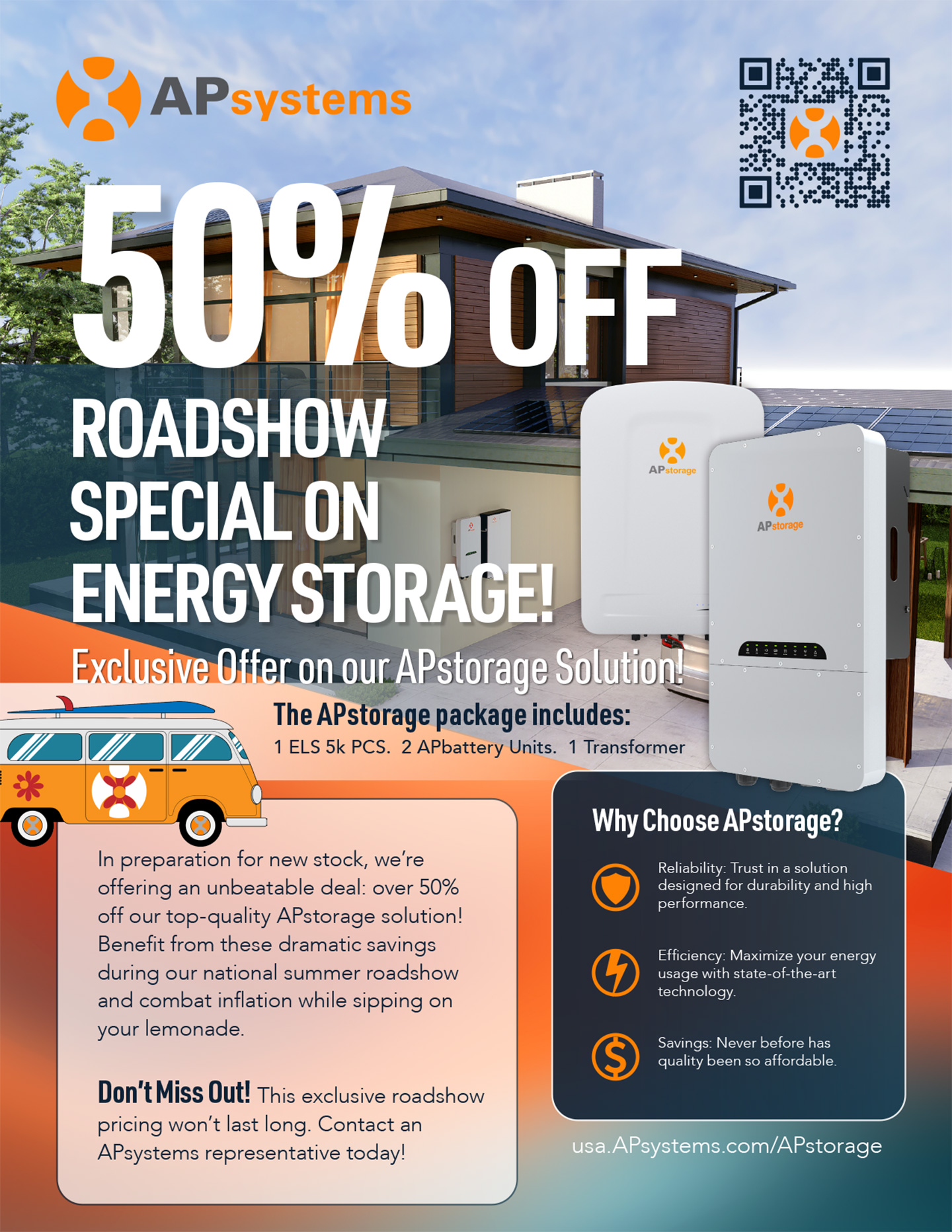
Current DS3 Series products, EZ1 plug-in solar products, and hard-to-find legacy microinverters and ECUs are now available for direct purchase through APshop.

This isn’t intended to replace our distributor partners for larger installer orders — it’s simply a faster way to grab one-off products, replacement units, and smaller quantities when needed.

We’re also expanding the catalog to showcase even more APsystems and APsmart products, including upcoming RSD solutions coming soon.

BROWSE THE SHOP


It’s Here: APsystems Delivers a Zero Export Solution for EZ1 — Preorders Now Open

For homeowners and renters interested in plug-in solar, one question keeps coming up:  “What happens if extra power gets sent back to the grid?”

Now there’s a solution.

APsystems is excited to introduce the new APmeter, a smart zero export meter designed specifically for the APsystems EZ1 plug-in solar microinverter. The APmeter helps users maximize self-consumption while minimizing or eliminating excess solar power export to the utility grid.

And starting now, APsystems is officially accepting preorders for the APmeter.

This is especially important for customers in areas where utilities require interconnection agreements for exported power, or in states where portable and plug-in solar regulations are still evolving. For renters, apartment dwellers, and homeowners looking for more flexibility, the APmeter adds another layer of control and confidence when using plug-in solar.

Working with the APsystems EZ1 plug-in solar microinverter, the APmeter intelligently monitors household energy use and dynamically adjusts solar production in real time to help prevent unwanted backfeed to the grid. Using cloud-based controls and the AP EasyPower app, the system continuously balances production and consumption automatically.

The APmeter supports both single-phase and three-phase configurations. An integrated offset function also helps compensate for rapidly changing household loads, improving overall export limit performance.

For anyone who wants the benefits of plug-in solar while keeping more control over grid interaction, the APmeter delivers a simple and practical solution.

Learn more about the APmeter zero export solution and reserve yours today: 

PREORDER APmeter!


TRAINING VIDEO: How to Install and Configure the APmeter

Ready to add zero export control to your EZ1 system? In this new training video, Teddy Hodges walks through the complete APmeter setup process, including how to install the meter and CT clamp in your electrical panel and connect everything using the AP EasyPower app.

The video covers hardware installation, Wi-Fi setup, device pairing, and how to enable the export limit function to keep excess solar energy from being sent back to the grid. Whether you’re a homeowner, renter, or installer, this step-by-step guide shows just how easy it is to get your APmeter up and running.


TRAINING VIDEO: EZ1 Makes Balcony Solar Easy: 4-Panel Plug-In Installation Training

See just how EZ plug-in solar can be with the APsystems EZ1.

In this hands-on training video from Flagstaff, we install two EZ1 plug-in microinverters with four solar panels on a real balcony setup. Along the way, we walk through what comes in the box, EZ1 app setup, parallel cable connections, key product features, and how quickly a portable solar system can come together.

Designed for simple installation and everyday energy savings, the EZ1 makes balcony, patio, and portable solar easier than ever for homeowners, DIY users, and installers alike.

Two EZ1 units can even be paired together for up to 1,800W of plug-in solar power on a standard 15A circuit.

That’s how EZ it is!

Discover APsystems EZ1


Solar Installers of Florida Delivers Award-Winning Residential Project in Longwood

Solar Installers of Florida recently won the APsystems 2025 Solar Project of the Year Award for an impressive residential installation in Longwood, Florida, transforming a complex property into a high-performing solar system built for long-term savings and energy independence.

The 46 kW system features 114 solar modules installed across six different roof surfaces, designed to maximize production while maintaining a clean, unified appearance. The installation now offsets what had become a rapidly increasing utility burden for the homeowner.

“The homeowner originally reached out because their utility expenses had increased dramatically,” said Luis Barreto of Solar Installers of Florida. “They were paying around $500 a month a few years ago, and that had climbed to more than $1,000.”

Because the property included multiple roof planes, separate building sections, and afternoon shading on one roof surface, Solar Installers of Florida selected APsystems microinverters to simplify the design and maintain strong performance across the entire site.

“We selected APsystems microinverters because of the complex roof configuration and the significant distance between buildings,” Barreto explained. “The robust Zigbee communication ensured reliable system communication and monitoring across the entire site, making it the most effective solution for this layout.”

“Using APsystems significantly simplified what would otherwise have been a much more complicated installation,” he added. “Since one roof plane experiences afternoon shading, the independent optimization at the module level helps maintain strong performance throughout the day.”

Barreto also highlighted the flexibility of APsystems wireless communication architecture during installation.

“The wireless Zigbee communication was especially valuable,” he said. “That flexibility reduced both installation time and material costs.”


For Solar Installers of Florida, APsystems continues to stand out for both performance and installation efficiency.

“APsystems differentiates itself through its multi-module architecture,” Barreto said. “It offers higher power density and competitive pricing while reducing the number of components required throughout the system.”

The completed installation has already delivered major results for the homeowner. Monthly utility costs that had climbed above $1,000 have now dropped to approximately $32 per month, with the system projected to achieve payback in less than six years.

“Beyond the savings, the project has become a benchmark in the Longwood area,” Barreto said. “It demonstrates that even large-scale residential properties can achieve near-total energy independence.”

SEE OTHER WINNERS HERE


TRAINING VIDEO: Simplify Your Installs with the APsystems Combiner Box

Check out the new APsystems Combiner Box video and see how this all-in-one solution is designed to make installs faster, cleaner, and easier to manage in the field.

Built specifically for APsystems microinverter systems, the Single-Phase AC Combiner Box combines AC connections, integrated ECU-R communication, revenue-grade monitoring, CTs, and power distribution into one compact, weather-resistant enclosure.

The video walks through installer-friendly features like pre-wired components, pre-landed terminals, expandable breaker support, removable communication hardware, and included accessories that help simplify commissioning and reduce install time.

“Everything’s pre-wired. The only thing you’re adding is your solar strings and your grid-side power.”

From cleaner wiring layouts to built-in production and consumption monitoring, the APsystems Combiner Box helps streamline installs while delivering accurate system visibility from day one.

Discover APsystems Combiner Box


Team Spotlight: Meet Isaac Cunningham, Business Development Manager Mountain West & California

After eight years in solar—and another eight away—Isaac is back in the industry and excited to be part of the rapid innovation happening across energy technology.

For Isaac, what makes solar exciting is how constantly it evolves. From new products and applications to the growing push toward energy independence, he’s passionate about helping customers navigate the changes and build long-term partnerships that last.

Covering Arizona, Nevada, California, Colorado, New Mexico, Utah, and the Mountain West, Isaac is focused on earning trust by being the kind of partner he’d want to work with himself—someone who listens, works hard, and helps businesses succeed together.

Outside of work, you’ll probably find him paragliding, skiing, or white water rafting. He’s flown in 15 countries, including a memorable flight over a castle in Slovenia before landing in Italy.

TRAINING VIDEO: DS3 Trunk Cable

From removing the protective cap on the trunk line to ensuring solid end cap connections, every step matters for performance and reliability in the field.

Quick reminders:

  • Always remove the protective cap before plugging in your microinverter
  • Avoid bending or kinking trunk lines and DC whips during layout
  • Make sure end caps are fully seated and secure
  • Plan proper connection points for clean wire management

The DS3 system is built for efficiency, with a 3-wire trunk line and improved whips to help create smoother, more flexible installs.